Managing groups
TIP
ShortsWorks has a group concept. Grouping your shorts lets you manage the content on your home page, product pages, or a separate page independently.
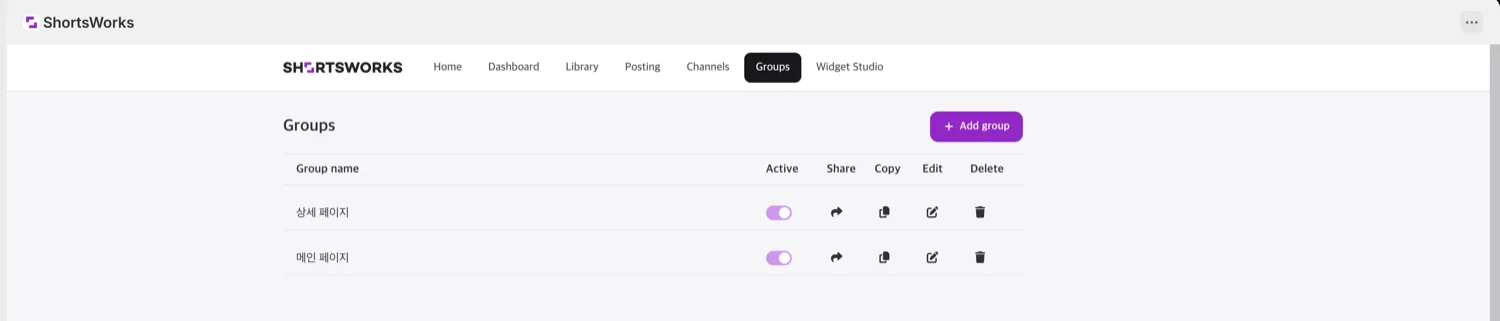
New accounts already have default Home page and Product page groups. You can rename or delete them to fit your store.
Create a group
You can create groups from both the web admin and the mobile app. Click Add group to add one.
Assign a group to a short
- Set the group when you create a new short.
- Change the group on an existing short:
- from the web admin, or
- in the mobile app — open a short's options menu and pick change-group; a bottom sheet lets you set it.
Use a group in a widget
On Shopify, point a Widget Studio preset at a group, then use that preset in a floating widget or block. If no group is bound, the widget shows all shorts; bind a group to show only that group's content.
Share a group's content
You can make a menu item or icon on your site open a group's content full-screen. When a visitor taps the close button, they return to your main site. (example)