Channel subscriptions
What is a channel subscription?
Subscribe to a social account and new posts are pulled into your library automatically — no pasting URLs each time. It's the Channels tab in the app.
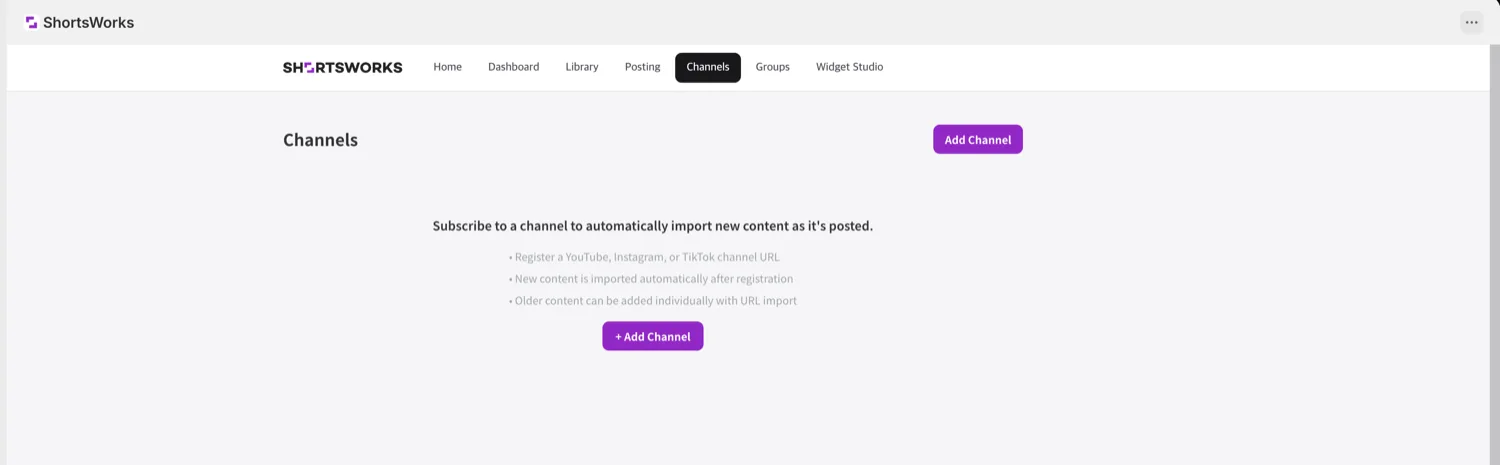
Add a channel
- Click + Add Channel.
- In Channel URL, enter a YouTube · Instagram · TikTok channel address.
- Choose a sync interval — hourly / every 6 hours / daily.
- Turn on Auto-publish to post new content to a widget right away; leave it off to keep it in the library only.
- Click Register Channel.
Only content posted after you register
A channel pulls in content posted from then on. For older content already up, add it individually with URL import in the Library.
Manage a channel
Registered channels appear as cards, each with:
| Button | What it does |
|---|---|
| Sync | Pull new content now, without waiting for the interval |
| Turn on auto-publish | Whether new content publishes to a widget immediately |
| Deactivate | Pause auto-collection (keeps the subscription) |
| Archive | Remove the channel from the list |
How it differs from URL import
| Channel subscription | URL import | |
|---|---|---|
| Unit | A whole social account | One video at a time |
| When | New content, automatically, after you register | An existing video, right now |
| Older content | Not collected (use URL import) | Any link works |