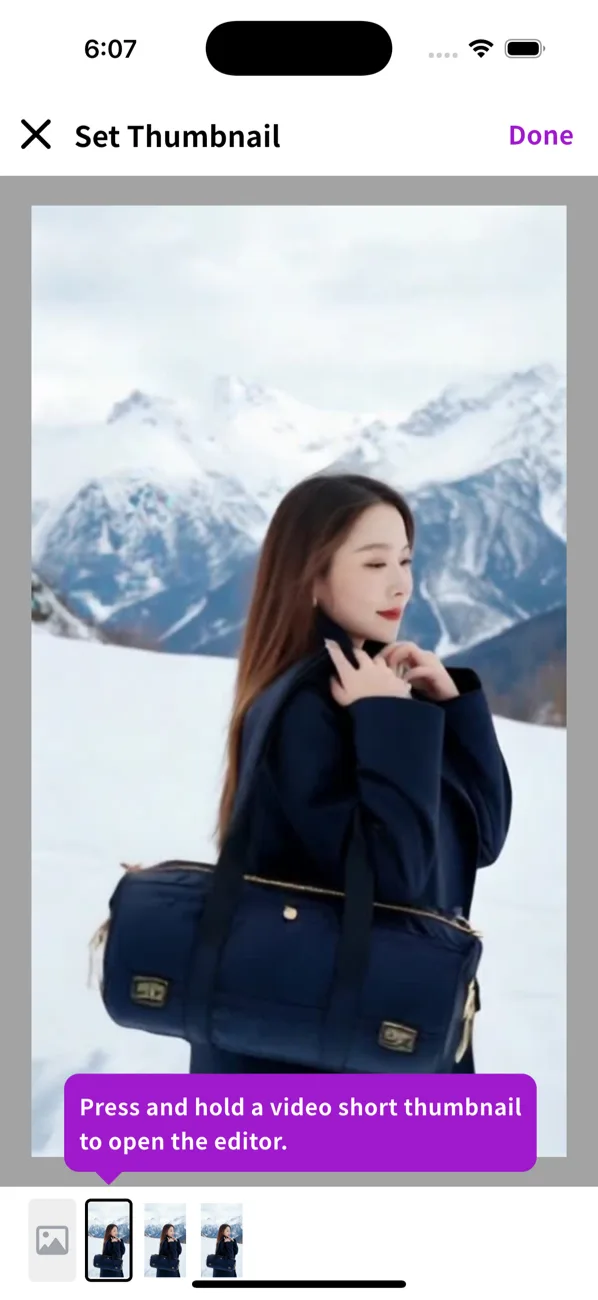
Setting the short thumbnail
TIP
The short thumbnail is what shows for each short in the widget. By default it's the first frame of the first clip in the short. To use a different image, edit the short in the ShortsWorks app.
- Set the thumbnail in the “Add details” step while uploading.
- For an existing short, open Edit short to get back to the “Add details” step.
- Go to the “Add details” step.
- Tap the gallery icon next to the round thumbnail image.
- You can pick the thumbnail from the first frame.
- To use a different image, tap the Library icon at the bottom.
- Open the library and choose an image.
- Set the crop area on the chosen image.
- Check the new thumbnail.
- Tap Edit short to save.